

Xe FlashPlayer
Mobile of the Day

Xe FlashPlayer

5.0 FREE
  • Screenshot 1
  • Screenshot 2
  • Screenshot 3
  • Screenshot 4

Description

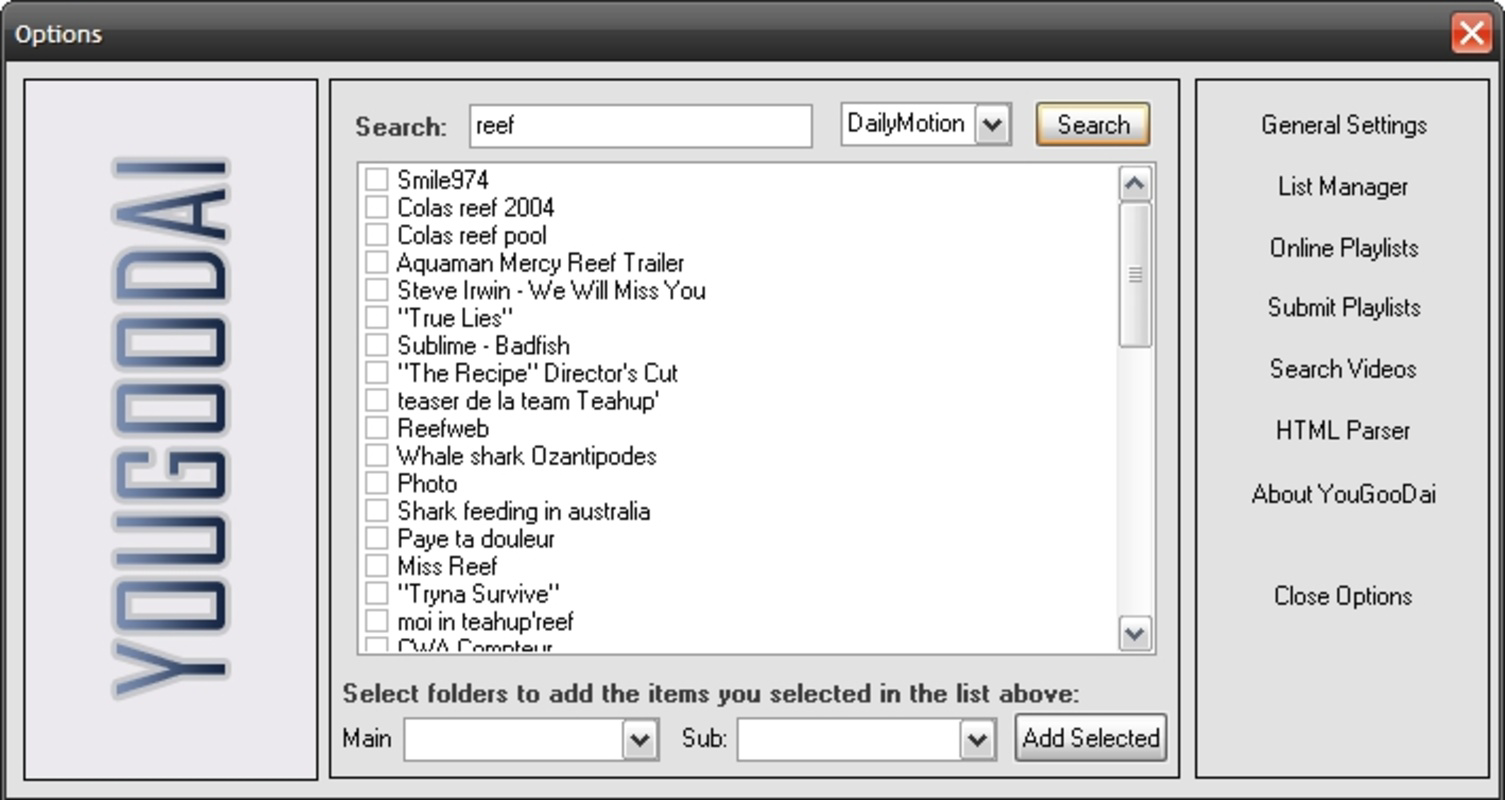
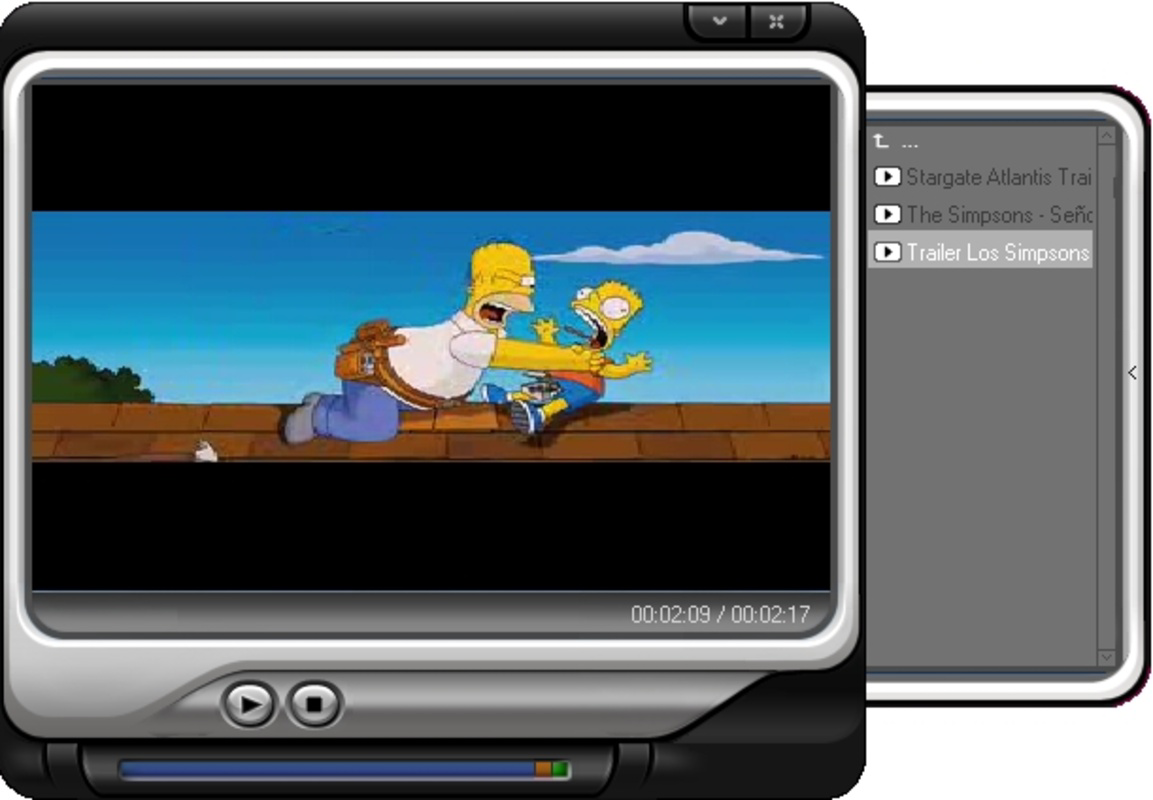
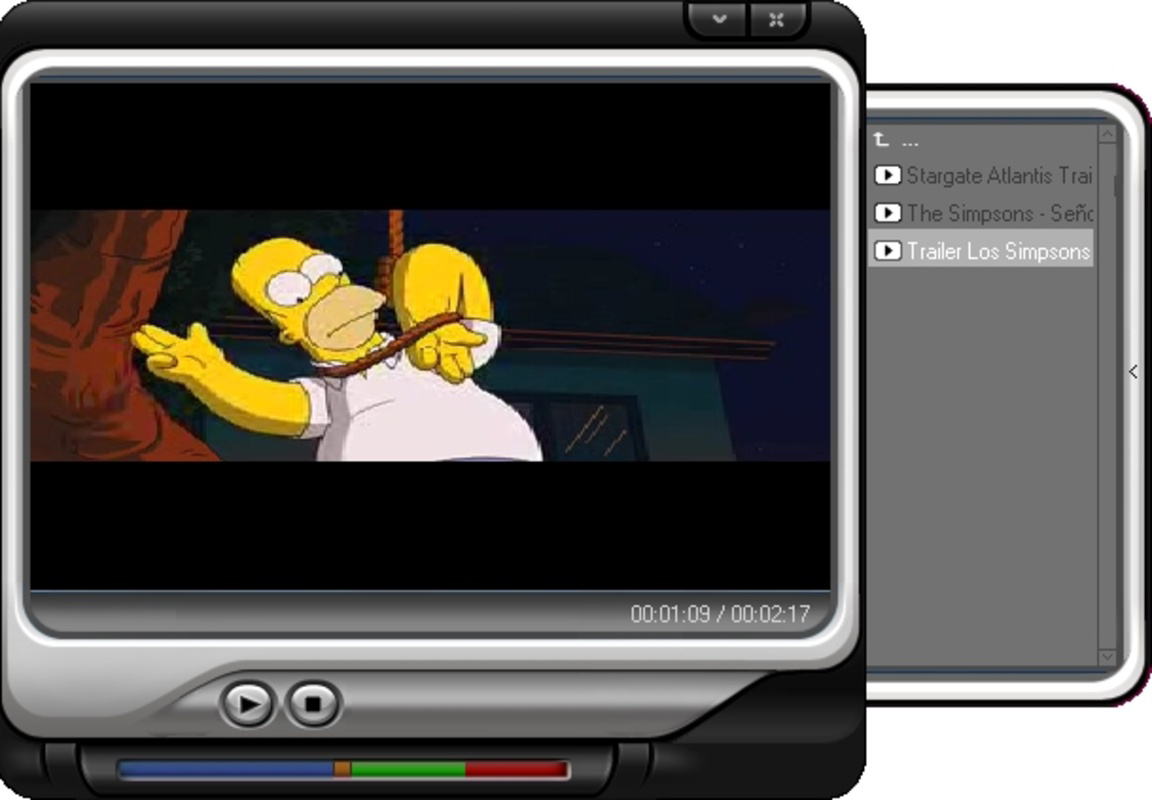
About YouGooDaiYouGooDai Player is a versatile multimedia tool that allows users to enjoy SWF movies sourced from popular platforms such as YouTube, Dailymotion, and Google Video. Beyond simply playing videos, it provides functionalities for organizing favorite clips and converting them into FLV files, making it a valuable addition for anyone fond of unusual and amusing online content. Features of YouGooDai - SWF File Playback: YouGooDai supports playback of SWF movies from various online platforms including YouTube and Dailymotion. This makes it easy for users to access a wide range of content without compatibility issues. The player ensures smooth playback for an enjoyable viewing experience. - Favorite Clips Organization: The software allows users to organize and manage their favorite video clips efficiently. This feature enables easy access to preferred content without having to search through long lists of videos. Users can create personalized collections that cater to their viewing preferences. - Video Conversion: YouGooDai includes functionality to convert SWF files into FLV format, broadening the compatibility of your media collection. This means users can enjoy their clips on various platforms without worrying about format limitations. The conversion process is straightforward and user-friendly. - Flexible Viewing Options: The player provides essential viewing functionalities such as play, stop, pause, and fullscreen options. Users can also select different aspect ratios like 16:9 or 4:3 for an optimal viewing experience. This versatility makes it convenient to adapt to different screen sizes and preferences. - Share Playlists Online: YouGooDai facilitates the sharing of video playlists over the web, enabling users to showcase their favorite content easily. This social feature allows for collaborative watching experiences and helps discover new and exciting videos through shared interests. Release Date of YouGooDai 2008-06-03Reviewed by Eddie C. ReardonShow MoreShow Less

Guides & Tutorials for YouGooDai

How to install YouGooDai
  1. Click the Preview / Download button above.
  2. Once redirected, accept the terms and click Install.
  3. Wait for the YouGooDai download to finish on your device.
How to use YouGooDai

This software is primarily used for its core features described above. Open the app after installation to explore its capabilities.

User Reviews for YouGooDai 0

    No reviews found

Similar Apps
